Your House Already Has the Wiring. We Make It Work.
Professional UniFi home networking for houses that already have Ethernet wiring in the walls. We use the cabling your builder or electrician pre-ran to eliminate dead zones, improve speeds, and replace unreliable consumer gear with a properly configured system.
- Wired
- Ethernet backhaul
- Whole home
- One seamless network
- Tuned
- Tested room by room
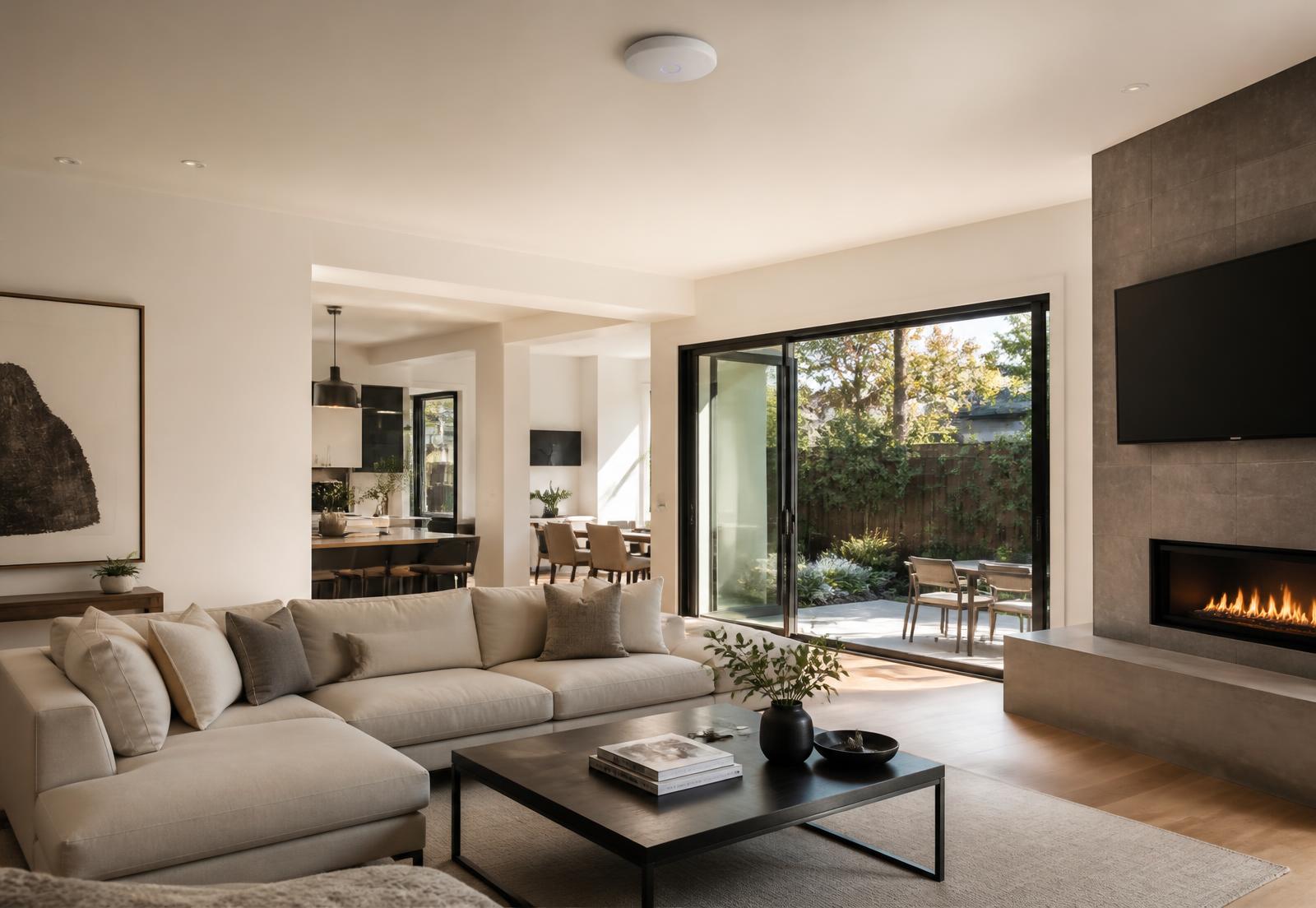
MetroBostonNetworking is a wired-UniFi installation service for homes that already have Ethernet cabling. If your home does not have pre-run Ethernet, we are not the right fit — but we're happy to refer you to a low-voltage contractor who can run it.
Paying for Fast Internet Doesn't Mean You're Getting Fast Wi-Fi.
You might have 1 Gbps arriving at the house and still see only 50–100 Mbps in the back bedroom, the basement, or the home office. The internet isn't the problem — the Wi-Fi getting it to you is.
One radio in one corner of the house, trying to cover every room through floors and walls. Extenders and mesh nodes then repeat that same signal over the air, cutting speed again.
Each access point gets its own wired connection back to the switch, so full speed reaches every part of the home — one seamless network, no repeating over Wi-Fi.
Wiring already in the walls
Most newer and renovated homes have Ethernet jacks nobody ever plugged anything into.
Speed lost over the air
Mesh nodes that talk to each other over Wi-Fi cut throughput every time they repeat.
Configuration matters
Channels, power levels, and roaming settings decide whether a network feels fast or flaky.
We Find the Dead Zones Before We Fix Them.
Before we recommend a single piece of equipment, we test signal strength and network performance throughout the property so we know exactly where coverage breaks down — and why.
Before: one ISP router
MeasuredCoverage collapses across the far side of the home. Two clear dead zones and weak signal through interior walls.
After: three wired access points
DesignedAccess points placed where the wiring and the layout call for them — even, strong coverage everywhere people actually use the house.
Everything from first walkthrough to final handoff.
One team handles the assessment, the design, the install, the configuration, and the tuning afterwards.
Home Network Assessment
We inspect the existing Ethernet wiring, network equipment, and Wi-Fi performance room by room — for homes that already have cabling.
Wi-Fi Coverage Mapping
We measure wireless coverage throughout the property and pinpoint the dead zones and weak areas before designing around your wiring.
UniFi Network Design
We determine the ideal equipment and access point placement based on where your pre-run Ethernet jacks are located.
UniFi Installation
We install gateways, switches, access points, and supporting hardware using your existing Ethernet runs wherever possible.
Network Configuration
Secure Wi-Fi, guest network, device organization, firmware updates, and performance settings.
Network Optimization
We tune access points, channels, transmit power, and configuration until the whole home performs.
Six simple steps. You stay out of the weeds.
- 01
Home Network Assessment
We visit the property, confirm your pre-run Ethernet wiring is usable, inspect existing equipment, and learn exactly where the internet feels slow or drops out.
- 02
Wi-Fi Mapping
We walk the house testing signal strength and real-world performance, then build a map showing where coverage falls apart.
- 03
Network Design
We decide where access points belong based on your existing Ethernet jack locations and recommend the right gateway, switches, and hardware.
- 04
Professional Installation
We install and configure everything using your existing Ethernet runs wherever possible. You never need to touch a setting or learn a networking term.
- 05
Optimization & Testing
After installation we retest speeds and coverage everywhere, then adjust placement, power levels, channels, and configuration until it's right.
- 06
Network Handoff
We walk you through your new network: how to connect devices, share the guest Wi-Fi, and find your way around the UniFi app.
Built for Homes That Already Have Ethernet.
This service is specifically for houses with pre-run Ethernet wiring. If there are network jacks in your walls, you're most of the way to a far better network than anything an ISP router can deliver.
- Homes with pre-run Ethernet wiring or structured cabling
- Recently built homes with Ethernet jacks in multiple rooms
- Renovated homes with structured wiring
- Large homes struggling with Wi-Fi coverage
- Home offices with unstable video calls
- Gamers who want reliable wired and wireless networking
- Smart homes with a lot of connected devices
- Families paying for gigabit but getting slow Wi-Fi
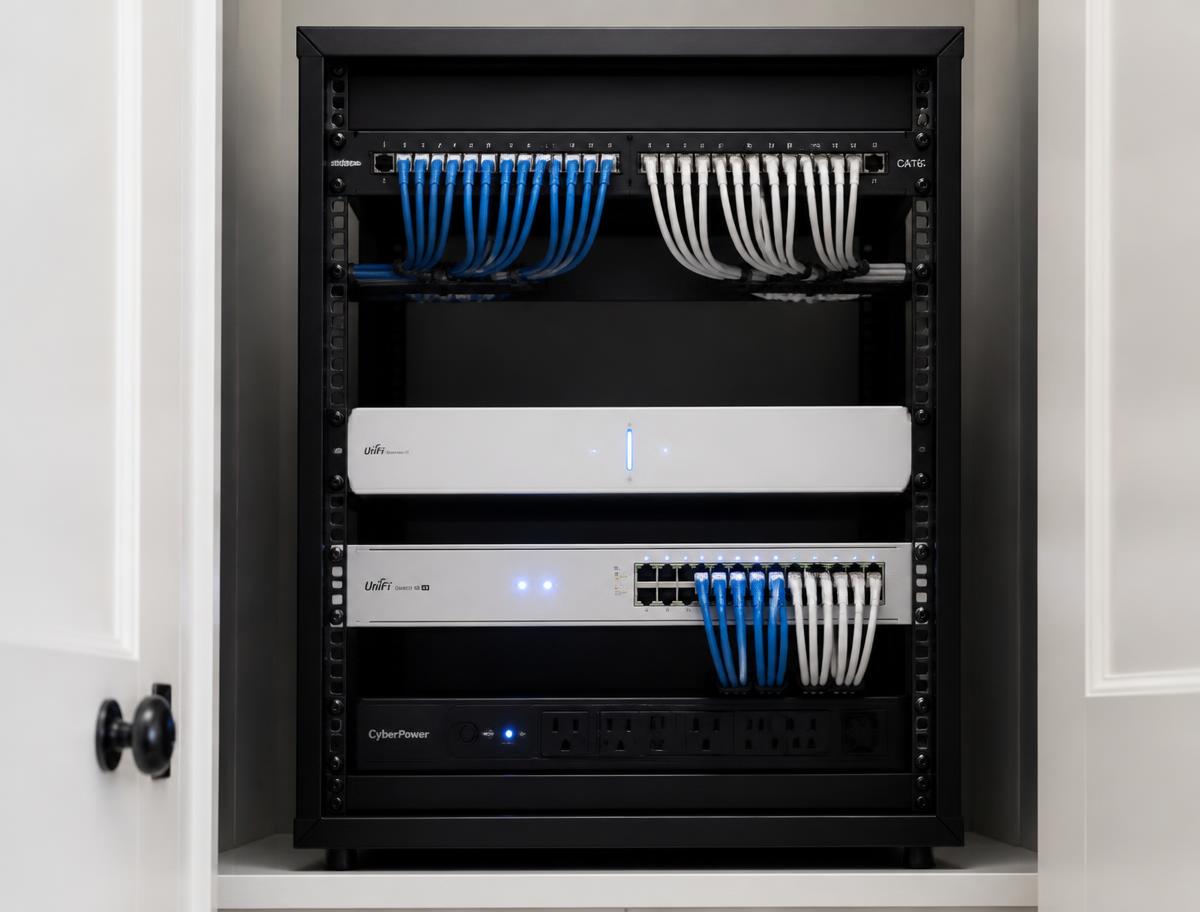
What actually changes in your house.
Before
- ISP router tucked in one corner of the house
- Random Wi-Fi extenders filling the gaps
- Dead zones upstairs
- Weak basement coverage
- Devices constantly switching networks
- Unreliable smart-home devices
After
- One central UniFi network
- Access points wired over existing Ethernet
- Strong coverage throughout the house
- A single seamless Wi-Fi network
- Better speeds in every room
- Centralized network management
- Professionally optimized configuration
Built on the Ubiquiti UniFi ecosystem.
Depending on your home, an installation may include:
- UniFi Cloud Gateways
- UniFi Dream Machines
- UniFi Switches
- UniFi Wi-Fi 6 and Wi-Fi 7 access points
UniFi and Ubiquiti are trademarks of Ubiquiti Inc. We are an independent networking installer and are not affiliated with, endorsed by, or sponsored by Ubiquiti Inc.
Every home is different.
We quote after we've seen the house — not before. Pricing depends on:
- Home size
- Number of Ethernet runs
- Number of access points required
- Existing networking equipment
- Overall network complexity
Request an assessment and you'll get a recommended system and a clear quote for your specific home.
Ready to use the wiring you already paid for?
Book a home network assessment. We inspect your Ethernet runs, map your Wi-Fi, and send back a clear plan and quote — no jargon required.